Many people search for ways to install APK files on an iPhone, especially when switching from Android or trying to access apps unavailable on the App Store. The idea seems simple, but the process is not as straightforward as it sounds.
APK files are made for Android and do not work on iOS. Still, users often want a clear explanation of what is possible, what is not, and which safe options exist for installing apps outside the App Store.
This guide explains everything in easy language, shows the real limitations, and gives practical methods that allow you to add apps to your iPhone without jailbreaking.
Understanding Why APK Files Cannot Be Installed on iPhone
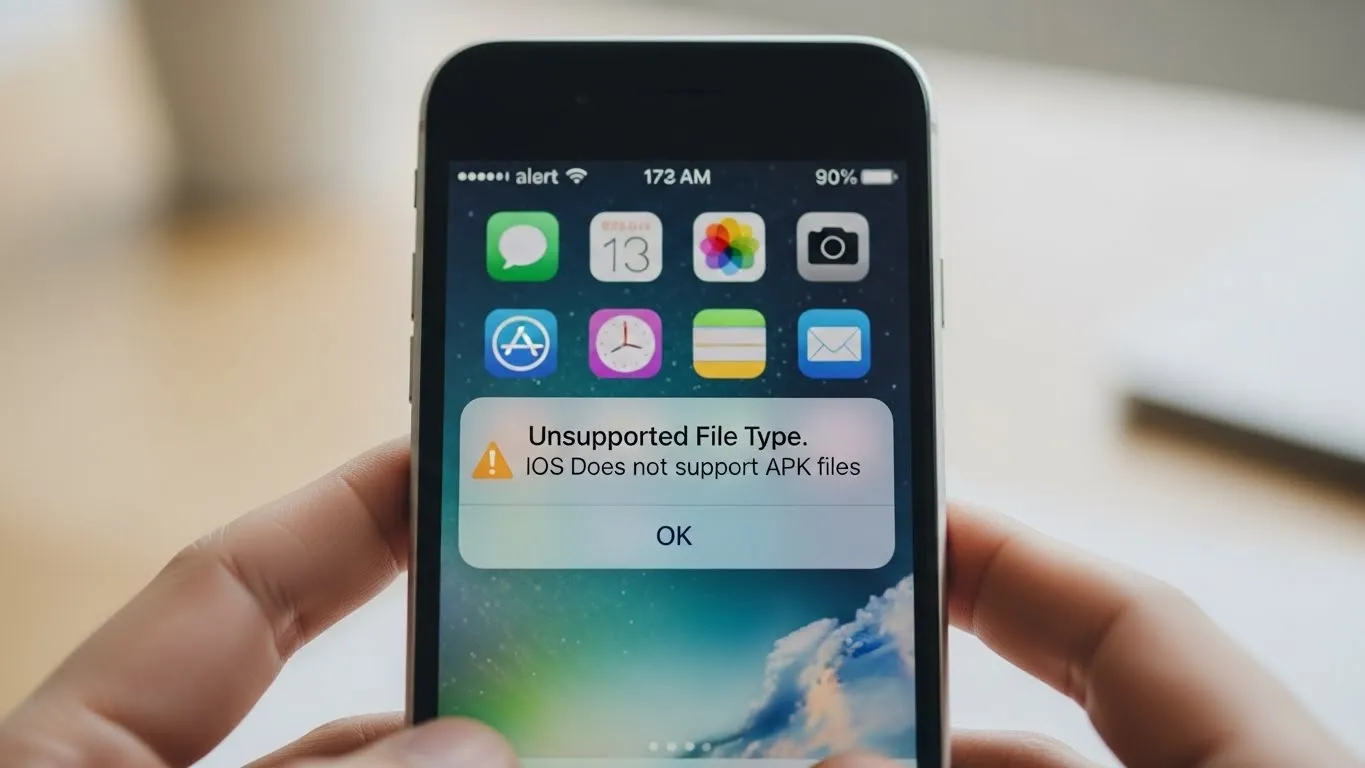
APK files are designed only for Android devices. They carry the structure Android uses for packaging apps, and they run on the Android operating system. iPhones use iOS, which has a different architecture, coding rules, and security layers. Because of this, an APK file cannot open, install, or run on an iPhone.
To install an app on an iPhone, you need the iOS version called an IPA file. These files must be signed properly before iOS allows them to run. This security system is part of Apple’s protection method that blocks uncertified apps.
Some websites claim that APK files can be installed on iPhone using special tools, but this is not accurate. Even tools designed for sideloading or app installation on iOS cannot convert an APK into a working iOS app. The only usable format for iPhone remains IPA.
What You Can Actually Do Instead of Installing APK Files?
Since APK files will never work on an iPhone, the only realistic path is to use alternative methods that allow sideloading IPA files. These approaches let you install apps not found in the App Store while keeping your device secure and avoiding jailbreak.
Below are all the reliable, safe, and practical ways to install apps outside the App Store on an iPhone.
Methods To Install Apps on iPhone Without Jailbreak
Using Third Party App Stores
Several third party app installers provide IPA files that can be added to an iPhone. These platforms work by installing a configuration profile that grants permission to download apps directly to your device. They contain a mix of modified apps, classic versions, and unavailable tools like Apkcort.
This is a simple method, but it comes with one limitation. The certificates used by these app stores can be revoked by Apple at any time. When this happens, the installed apps may stop working until the app store refreshes its certificate.
Still, many users prefer this option because it requires no computer and no technical knowledge.
Using a Free or Paid Apple Developer Account
Another safe method is using an Apple developer account. A free developer account allows you to sideload apps, but the installed apps expire after a short period, so they must be reinstalled. A paid developer account gives longer validity.
This method requires a computer and uses official Apple systems. You download the IPA file, sign it with your account, and then load it onto your device. This is one of the most stable ways to install unofficial apps.
Using Sideloading Tools
There are several tools that allow you to install IPA files on your iPhone using a computer. These tools follow Apple’s signing rules, which means your device remains safe and intact. You connect your iPhone, open the tool, sign the IPA file, and install it.
These tools are popular because they combine safety with convenience and do not require advanced skills.
Using Cloud Based Installer Services
Some services offer cloud-based methods for installing IPA files. You open the site in your browser, install a configuration profile, and then download apps from the cloud system. This method is simple since it avoids the need for a computer.
Cloud installers often provide quick updates and easy access, though they also rely on certificates that may be revoked.
Using Enterprise Certificates
Enterprise certificates were originally designed for companies to distribute internal apps to employees. Some unofficial stores use these certificates to install apps on iPhones without the App Store.
This method works, but it is unstable because Apple frequently reviews and revokes certificates misused outside business environments.
Using TestFlight Access
TestFlight is Apple’s platform for testing apps before they are released publicly. If a developer provides you with a TestFlight link, you can install their app even if it is not yet available on the App Store.
This method is extremely safe because it uses Apple’s own system. Its only limitation is that you need a developer’s permission.
Using Web Based App Versions
Some apps offer browser-based versions that work like mobile apps. These do not require installation and can be used directly from Safari. While not a true installation, this can still give you access to the features you need.
This option is helpful when an official app is not available for iOS.
Extra Methods That Some People Use but Should Be Approached Carefully
Using IPA Conversion Claims
Some sites claim to convert APK files into IPA format. These tools do not work. APK files and IPA files are built differently, so conversion is not possible. Avoid any service that promises this.
Using Unknown Sideloading Platforms
Not all sideloading websites are safe. Some distribute harmful files or request permissions they do not need. Always review sources before downloading anything.
Installing IPA Files from Unverified Developers
If an IPA comes from an unknown developer, you cannot verify its safety. Only install apps from developers you trust.
Important Things To Remember
APK Files Will Never Work on iOS
This is the most important point. No tool, method, or workaround can force an APK to run on an iPhone. The two systems are incompatible.
Use Only Trusted Sources
When downloading IPA files or installing profiles, trusted sources matter. Installing unsafe files can damage your device or compromise your privacy.
Be Aware of Certificate Revocations
Third party app stores and some sideloading methods depend on certificates. If Apple revokes them, apps may stop working temporarily.
Avoid Jailbreaking
Jailbreaking removes important protections and makes your iPhone more vulnerable. It also may void warranties and cause system instability.
Understand Apple’s Security System
Apple restricts installations to protect users. Any method that bypasses security is risky. Stick with methods that follow signing rules.
Always Keep Backups
Before you install anything outside the App Store, make sure your iPhone is backed up. This protects your data if anything goes wrong.
App Behavior May Differ
Sideloaded apps may not behave the same as App Store apps. They may update less often, lose permissions, or be limited by iOS settings.
Some Methods Require Re-Signing
Free developer accounts and some tool-based installations require you to re-sign apps every few days or weeks.
Check for iOS Compatibility
Even IPA files must be compatible with your version of iOS. Older apps may not run on newer systems.
Conclusion
Installing APK files on an iPhone is not possible because APKs are built for Android and cannot run on iOS. However, there are reliable and safe ways to install apps outside the App Store using IPA files. Whether you choose a third party app store, a developer account, sideloading tools, cloud installers, TestFlight access, or web app versions, each method provides a practical alternative without jailbreaking.
By understanding the limits of iOS, choosing trusted sources, and keeping your device secure, you can safely expand your app options and enjoy greater flexibility on your iPhone without risking your privacy or system stability.
Also Read: How To Install APK Files On iPhone Without Jailbreak?