
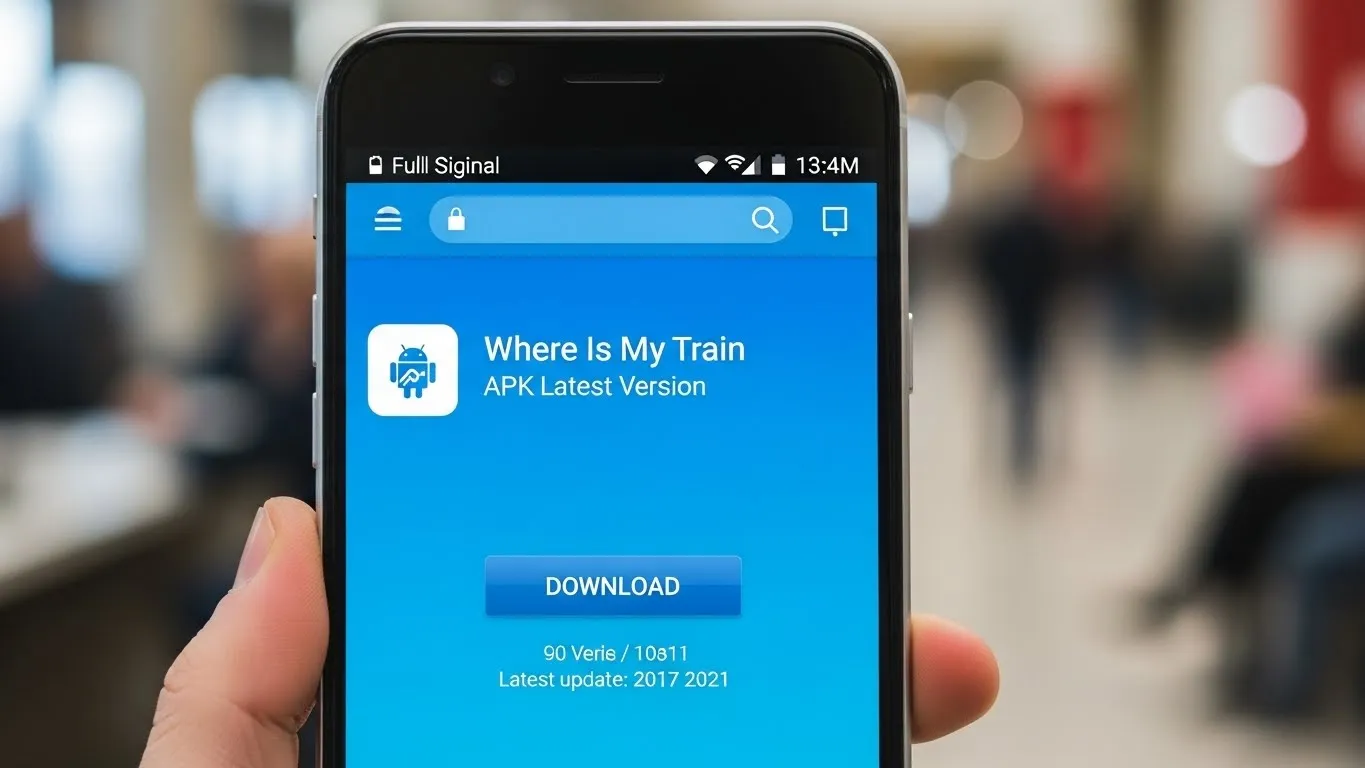
The “Where Is My Train” app has become one of the most reliable tools for train travelers who want quick and accurate running status without depending heavily on mobile data.
Whether you are a daily commuter or someone who travels occasionally, the app makes it easier to plan journeys, track delays, check offline schedules, and understand train movement in real time.
Because of these features, many people look for the latest APK version, especially when the Play Store update is not available, or when using devices that do not come with Google services preinstalled.
Searching for APK files online requires caution because not all sources are safe. Some users also come across platforms like Apk Cort while searching, but it is important to understand how APK distribution works and how to avoid fake or modified files.
This detailed guide explains everything you need to know about finding the latest version, staying safe, and ensuring that the app works as intended.
What the Where Is My Train App Actually Offers?
To understand why users actively search for updated APK files, it helps to know the core benefits of this app. Unlike many train apps that depend heavily on the internet, Where Is My Train focuses on offline functionality.
This means it uses mobile tower signals and stored timetable data to provide information, making it especially helpful in remote areas where the network is weak.
Here are some of the main features:
- Offline Timetable Access
The app stores train schedules so you can check timings even without internet access. - Real Time Train Location
It detects the approximate location of the train using network signals. - Coach Layouts and Seat Information
You can check where your coach is located on the platform and understand the general layout before boarding. - PNR Status Checking
The app allows PNR verification and updates. - Station Details and Route Maps
Useful for planning stops or identifying nearby stations.
Because of these practical features, users prefer having the latest version to ensure accuracy, updated schedules, and better performance.
Why Users Search for the APK Instead of Using the Play Store?
While the Play Store version is always the safest option, many users still seek the APK version. Some common reasons include:
Devices Without Google Services
Certain Android phones, especially older or region-specific models, may not support the Play Store. These devices can only install apps manually through APK files.
Play Store Update Delays
Sometimes updates are rolled out slowly by region. Users who want immediate access to the latest features may turn to APKs.
Manual Installation Preference
Some users like having direct control over app installation instead of relying on automatic updates.
Using the App on Multiple Devices
Manually installing the APK across devices saves time compared to downloading repeatedly from the Play Store.
Avoiding Restrictions
In rare cases, regions may restrict access, making APK installation the only possible method.
While these reasons are understandable, downloading APK files from untrusted websites can put your device at risk.
How to Identify the Latest Version of the APK?
When you search for the APK online, you will find many websites listing different versions. Some may be outdated, and others may be modified versions that you should avoid.
To identify the real latest version:
- Check the version number. The highest number is usually the newest release.
- Read the changelog if available. It lists improvements and fixes.
- Compare the release date with the one shown in the Play Store.
- Make sure the developer name matches the official one.
Latest versions often include:
- Updated timetable data
- Improved detection accuracy
- Faster app performance
- Better compatibility with new Android systems
- Security and stability fixes
Always confirm these details before downloading.
Safe Ways to Install the Latest Where Is My Train APK
Use the Google Play Store First
If your device supports it, always prefer the Play Store. It ensures:
- Verified and safe downloads
- Automatic security checks
- Instant removal of harmful files
- No risk of modified versions
If the Play Store option is available, use it before considering APK files.
Download APK Only From Trusted Platforms
If your device cannot access the Play Store, choose well-known and reputable APK sources. These platforms verify the files, scan them for harmful elements, and ensure that the APK matches the original version.
Avoid suspicious sites or platforms that promise “cracked,” “premium,” or “modified” versions. These are often unsafe and may compromise personal data.
Check the APK File Details Before Installing
Before installing, review:
- File size
- Permissions requested
- Version number
- Developer information
A fake APK often has mismatched file sizes, additional permissions, or unusual signatures.
Verify the Developer
The official app always shows the correct developer name. Fake versions might alter this slightly. Double-check the spelling and format before installing.
Enable Installation Only When Needed
Android requires you to enable installation from unknown sources. Only turn this option on during installation and turn it off afterward.
Features You Can Expect in the Latest Versions
New updates usually focus on improving performance and accuracy. Here is what the latest versions often offer:
More Accurate Train Tracking
Developers refine the location detection logic to match real train movement more precisely.
Better Offline Support
The latest versions improve offline schedule accuracy and reduce loading time.
Smoother Performance
Optimizations help reduce battery usage and increase app speed.
Updated Train Data
New train routes, timetable changes, and platform updates are added regularly.
Improved User Interface
Minor layout adjustments are made to make navigation easier.
Bug Fixes
Fixes help prevent crashes, slowdowns, or data loading issues.
Risks of Downloading APK Files From Unsafe Sources
Installing an APK from an unverified or suspicious source can lead to several risks:
Hidden Malware
Some modified versions contain harmful code designed to steal data.
Excessive Permissions
Fake apps may request access to files, contacts, or messages they do not need.
Slower Device Performance
Improperly modified APKs can cause lag or random crashes.
Incorrect Train Information
Fake versions may not sync data correctly, leading to unreliable train status updates.
Privacy Concerns
Unsafe apps can collect sensitive information without your knowledge.
Understanding these risks helps you make safer choices when downloading.
Tips for Keeping the App Updated Safely
Enable Auto-Updates (if using Play Store)
This ensures you always run the latest version.
Check APK Platforms Regularly
If you use manual installation, visit trusted platforms for the newest version.
Compare Version Numbers
Do not install random versions from lesser-known sites.
Back Up Your Device
Always keep your data backed up before installing apps from outside the Play Store.
Avoid Modified or “Extra Feature” Versions
These versions often include harmful modifications that reduce security.
When Installing the APK Makes Sense?
Although the Play Store is preferred, APKs are useful in situations such as:
- A device without Google Play
- A slow rollout of new updates
- Installing the same version on multiple devices
- Using older Android systems
In these cases, the APK method is practical if you follow safe installation steps.
Conclusion
The “Where Is My Train” app remains one of the most trusted tools for tracking train schedules, checking offline data, and getting real time running status in low-network areas. It is understandable that users search for the latest APK version to access updated features or install the app manually.
However, downloading APK files should always be done cautiously. Stick to trusted sources, verify the version and developer details, and avoid modified or suspicious files.
The latest versions usually offer improved performance, better accuracy, updated schedules, and a smoother experience overall. By understanding how APKs work and following safe installation practices, you can use the app confidently without compromising your device’s security.
Also Read: How to Install APK in Iphone?